How I Built a Multi-Agent AI System for My Small Business
Currently, there are nine agents helping me run my LLC with LangGraph approval gates, one Postgres database with vector search, and an MCP tool bridge.
When you run your own company, there are certain jobs that you usually just end up doing yourself because there are too many checks involved. But that work also tends to pile up, and your to-do list gets longer and longer.
The same happens to what a business writes down, and to the emails that come in. Meeting notes land in a shared drive, decisions get made, action items get written, and they all just sit there.
I hit both problems running a company by myself. So I built a back office instead of hiring one.
There are now nine single-role agents running inside my LLC:
- Chief of Staff
- Strategy
- Growth
- Engineering
- Finance and ops
- Product
- Risk and legal
- UX
- QA and customer success
In the builder-stack guide, I translated the tool names that developers and AI vendors use: LangChain, LangGraph, CrewAI, n8n. This guide covers the system I run, which uses some of those same tools.
The whole AI office consists of nine role prompts, one orchestrator that decides which of them runs, a single Postgres holding their shared memory, and one MCP bridge to the outside tools. A gate makes it safe to leave running: any action that needs my approval stops and waits for me.
Before you build a system like this, run the test for whether a job needs agents at all. Single-step work you can check by reading the answer needs one prompt; the system in this guide is for what's past that.
And if you'd rather decide with help, tell me what you wish existed. The form routes to what fits, or captures your need if nothing here does yet.
The org chart: nine agents
The Chief of Staff is the only agent that reaches me by default. Specialists never message each other directly. When one's work feeds another, the Chief of Staff plans that handoff and passes the output along.
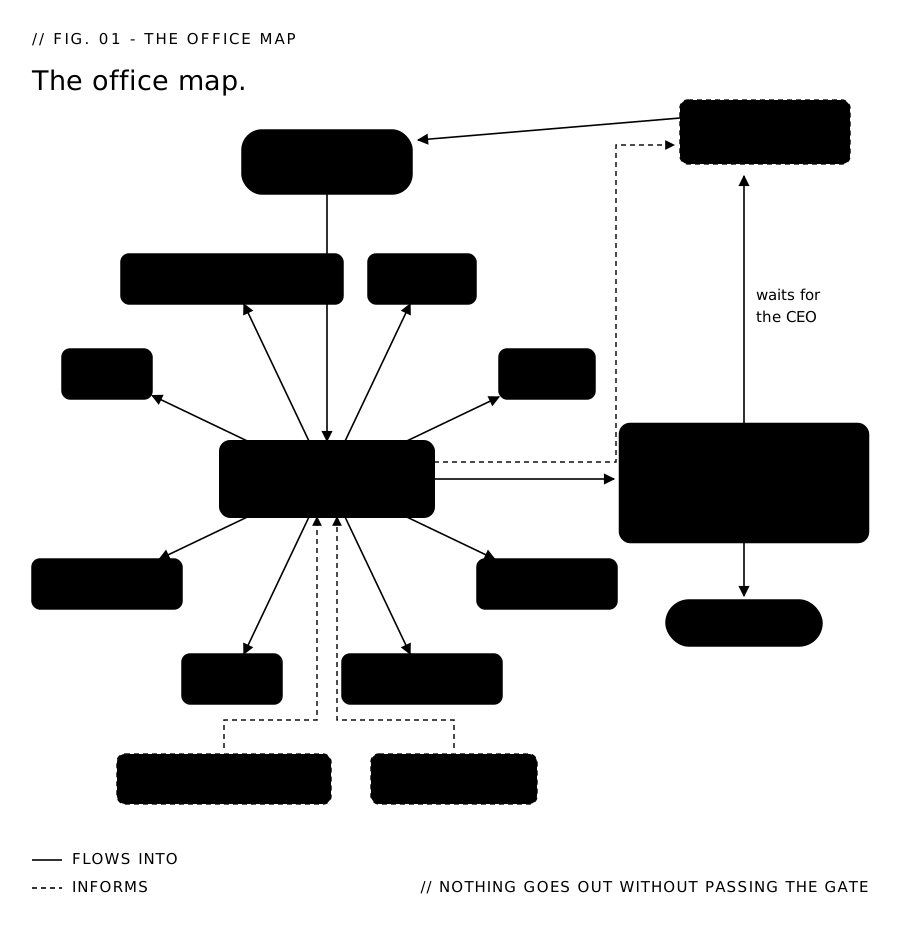
Nine agents, one human gate.
The Chief of Staff sits between me and the other eight agents. Instead of nine separate reports landing on me every morning, I read one.
In my setup, the agents report to me through Notion, an app a team can use to keep shared pages, databases, and to-do lists in one workspace. The standup shows up there as a page every morning, and anything waiting on me sits in an approvals queue in the same workspace.
The gates: LangGraph
Agents draft, research, analyze and open draft pull requests without asking me. For everything else, they hit an Authority Matrix.
| What an agent wants to do | What happens |
|---|---|
| Draft, research, analyze, open a draft PR | It runs. Nobody asks me. |
| Anything public, paid, or contractual | It stops and waits for me. |
| Legal sign-off, taxes, deleting data | It never runs on its own. |
| Reversible internal work | It shows on my morning brief as "happening at 5pm" and runs at 17:00 unless I reply stop. |
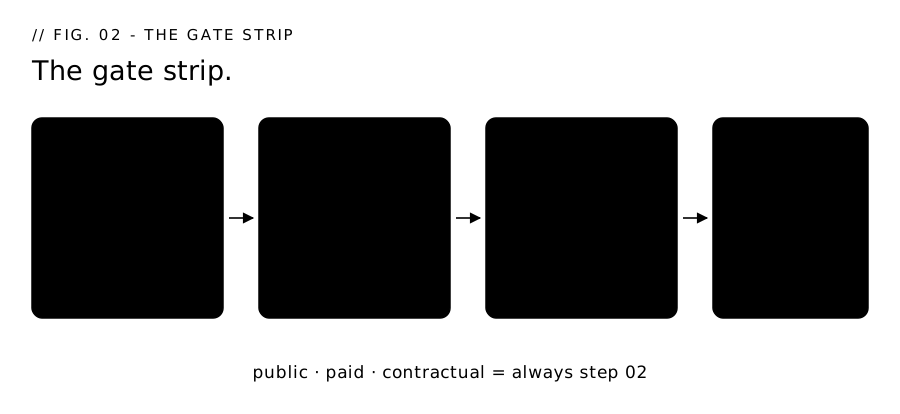
The gate is built on LangGraph, an open-source framework that runs a multi-step AI process and adds approval pauses and retries to it. That built-in pause is why I chose it. When an agent reaches an action that needs my approval, LangGraph's interrupt() function halts the workflow on that line, and everything in progress is saved to Postgres through langgraph-checkpoint-postgres.
If I approve two days later, even after a reboot, the run picks back up at the exact step where it stopped.
Each approval in a pending status is stored in an approval_queue table. It stores metadata: the agent name, the action type, the exact payload it wants to run, and a status of pending, approved, rejected, edited or expired.
One failure mode to design for is the gate itself breaking. A check that can't reach its own data comes back empty, and empty looks the same as "nothing to block," so the action it should have stopped goes through. A guard that can't get an answer should refuse.
The storage: Postgres with pgvector
Everything the Office knows lives in one Postgres 16 database with pgvector installed. Structured rows and semantic search in the same place, which allows me to run hybrid queries that can filter by fields and search by meaning at the same time.
| Table | What's in it |
|---|---|
decisions |
The title, the options considered, the choice, the rationale, who ruled and when |
tasks |
The backlog: owner agent, status, priority, what it's blocked by |
meetings |
Standups, weekly reviews, board sessions, with agenda and resulting actions |
agent_runs |
One row per invocation: input, output, tool calls, and the Langfuse trace id |
approval_queue |
Everything waiting on me, with the exact payload it wants to run |
documents / chunks |
The text itself, plus the embedding for each chunk |
pgvector adds one column type, built to hold embeddings.
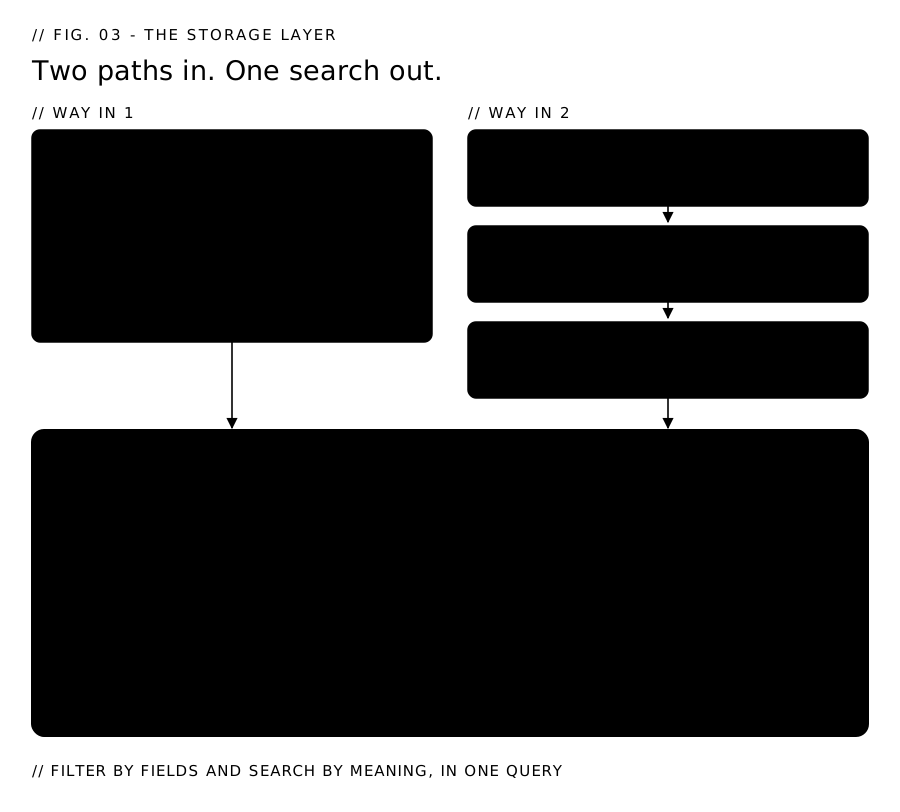
The embedder I use is bge-m3, running on my Mac through Ollama, a free open-source tool that acts as a local manager and server for models. The M3 in the name stands for three capabilities: multi-functionality, multi-linguality, and multi-granularity.
I chose bge-m3 because it's multilingual, supporting more than 100 languages: I publish in English and Spanish, and one model covers both. It emits 1,024 dimensions, so the column is vector(1024).
Two details that will save you a migration step later:
- The column has to match the model. Move to an embedder with a different output size and you re-create the column and re-embed everything you stored.
- 1,024 sits under pgvector's 2,000-dimension index cap, so a plain
vector(1024)column indexes directly with no extra type juggling.
Every embed costs $0 and nothing leaves the machine, because Ollama is running locally. The alternative was a hosted embeddings API: quicker to set up, but it charges for every chunk of text it embeds, my text would leave the machine, and it would add an external dependency the whole storage layer leans on.
What the storage layer costs. Nothing! All free 🙂
- The database: Postgres 16, free and open source.
- The extension: pgvector, free and open source.
- The model:
bge-m3, free and open source.
The MCP bridge
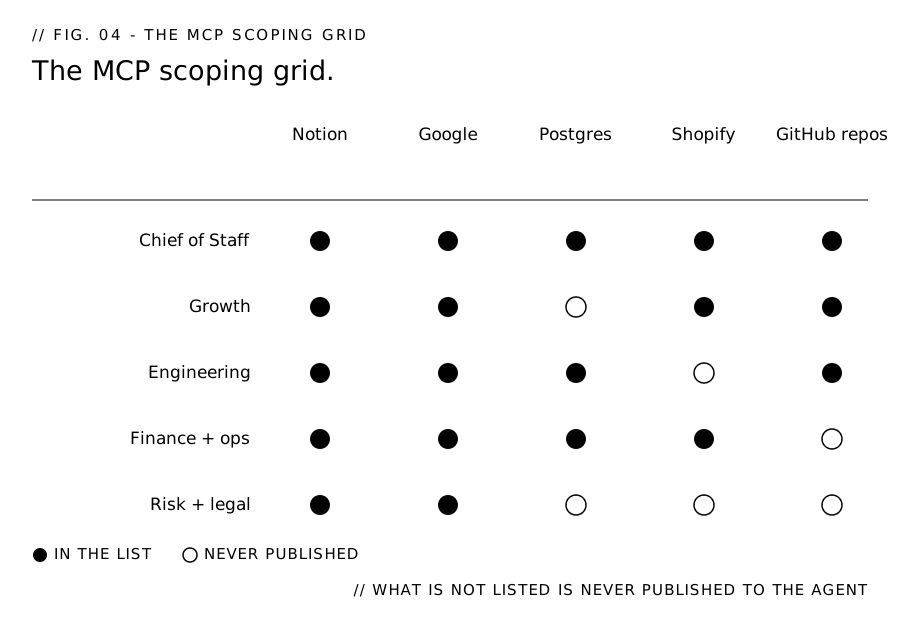
Every outside tool reaches the agents through one bridge built on MCP, a standard connector that plugs AI agents into the systems you already own. On the other side of it: Notion, Gmail, Google Drive and Calendar, Postgres, and my GitHub repos, where agents read everything and the only writes allowed are a draft pull request or a new issue.
Access is set per agent: an agent with no need to touch the store never sees a Shopify tool in its list.
Here's that scoping in my Postgres config, trimmed to the parts that do the work:
{
  "name": "postgres",
  "server": {
    "command": "uvx",
    "args": ["-p", "3.12", "postgres-mcp", "--access-mode=restricted"]
  },
  "allowed_tools": [
    "mcp__postgres__list_schemas",
    "mcp__postgres__list_objects",
    "mcp__postgres__get_object_details",
    "mcp__postgres__execute_sql",
    "mcp__postgres__explain_query"
  ]
}
The whole permission model is three settings:
allowed_toolsis an allow-list. A tool left off the list never gets published to the agent, so the model never learns it exists.--access-mode=restrictedmakes the connection read-only. The server rejects any query that would change data, so the worst a bad query does is return a wrong number.- The server runs with the permissions of the account that starts it. Give that account the narrowest permissions required to do the job.
Without this scoping, every agent could reach every system I own. With it, each agent's access is a short list in one file I can read.
The runners
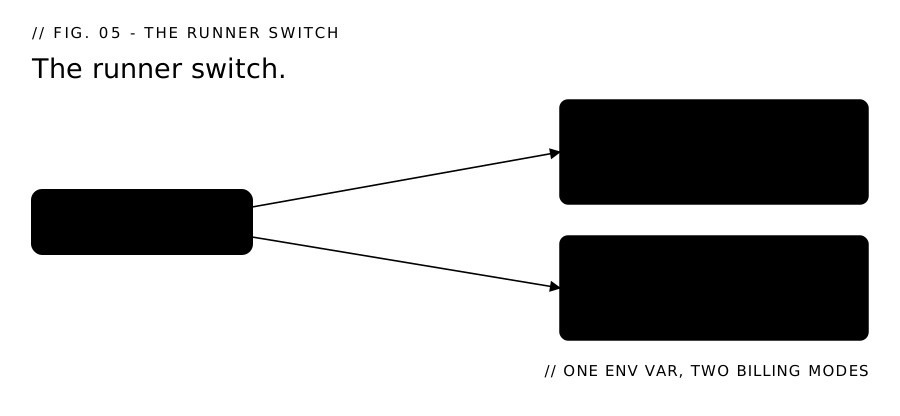
A runner is a piece of Python code that executes an agent: it sends the agent's prompt to the model and determines how the call gets billed. The whole orchestration layer is coded in Python, LangGraph included.
I built two, switched by one environment variable, OFFICE_RUNTIME: sdk runs every agent on my Claude subscription, and api runs them on the metered API, billed per call.
The workflow automation: n8n
Recurring work runs through n8n, a free workflow automation tool. A job with real steps in it, a trigger, a branch, a handoff to an agent, is chained together as a visual workflow instead of code. Self-hosting means no per-execution fees, so a workflow that fires fifty times a day costs the same as one that fires once.
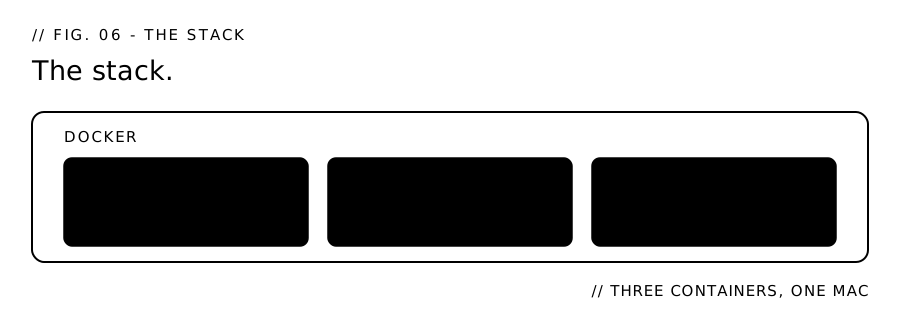
Most of the stack runs in Docker, a tool that packages each service into its own container: Postgres, Langfuse, and n8n.
Three jobs anchor my day:
- A 7:25 wake, so the Mac is up before the standup fires
- A morning standup run
- A watchdog
A commit lands on main and the always-on server restarts itself into the new code in about two minutes. A /health endpoint reports which version is live.
Langfuse is what I use for traceability: an open-source tool that records each agent run with its inputs, outputs and tool calls, so when something looks off I can read what the agent did instead of guessing. I chose it because it self-hosts on the same Mac and costs nothing. It only sees the runs pointed at it.
The decision log: ADRs
More than a hundred dated decision records sit in docs/decisions/. These are ADRs, short for architecture decision records: one file per decision, with the reasoning behind it. Any that reverse an earlier decision say why.
They live in the repo as plain markdown, so they are not part of the running stack. Nothing queries them; they are there for the next person to read, and that person is usually me.
Six months from now, when I ask myself why I built it this way, there's a file with a date on it.
Also in this series: making AI answer questions from your own documents.
Quick recap
Five layers, one office.
- The Chief of Staff is the only agent that reaches me. Eight specialists sit behind it, and handoffs between them go through the Chief of Staff.
- The gate is code. LangGraph's
interrupt()halts the run and Postgres checkpointing holds it, so an approval two days later resumes at the step it stopped on. - One Postgres holds all of it: decisions, tasks, meetings, agent runs, approvals, with pgvector for search by meaning.
- Embeddings run local.
bge-m3through Ollama, 1,024 dimensions,vector(1024), $0 per embed. Change the model and you re-embed everything. - One MCP bridge, scoped per agent.
allowed_toolsis the permission model, and what isn't listed is never published. - Check the default on any flag that spends. The wrong one billed me about $45 a day.
- n8n runs the recurring work. A commit restarts the server into new code in about two minutes, and
/healthsays which build answered. - Write the decision down. More than a hundred dated records, several of them reversing an earlier call.
Start here
Tell me what you wish existed at daisyguti.ai/lets-chat. The form routes to whether an office like this fits what you're building.
Sources
- Model Context Protocol, official documentation - https://modelcontextprotocol.io
- LangGraph, official documentation - https://langchain-ai.github.io/langgraph/
- pgvector, open-source vector search for Postgres - https://github.com/pgvector/pgvector
- Langfuse, open-source LLM observability - https://langfuse.com
- Ollama, for running models locally - https://ollama.com
- n8n, workflow automation - https://n8n.io
- Docker, container platform - https://www.docker.com
- Notion, team workspace - https://www.notion.com
- PostgreSQL, open-source database - https://www.postgresql.org
- Python, official site - https://www.python.org